
Welcome to Charlesmark Hotel
AT COPLEY SQUARE, BACK BAY, BOSTON
Premier Location
Exceptional Value
Free Highspeed Wifi &
Landwer Cafe On Site Discounts
Stylish Boutique Decor
Genuine Intimate Service
We include complimentary high-speed wifi and complimentary cafe breakfast. Typically, our rates are 10-20% lower than the other hotels in the area. We give you more for less - more style, more services. Be sure to book directly by phone or on our website for the best possible rate. This combined with our no hidden fees or incidental charges make us one of the best values in our exclusive historic neighborhood.
Originally built in 1886 as a private residence in the heart of Boston's exclusive Back Bay neighborhood, the Charlesmark was completely renovated to create a European style boutique hotel featuring a hip cocktail lounge with an outdoor patio.
Here, a "classic modernism" design is combined with today's technology to satisfy the most savvy business or leisure traveler. Premier location. Exceptional value. European ambiance. The Charlesmark combines it all to create a unique memorable lodging experience.
Ambiance
All 40 guest rooms at The Charlesmark are uniquely styled by renowned designers to provide the ultimate combination of luxury, comfort, and functionality. From custom made furniture and light-toned woodwork to imported Italian tile and elegant European lighting fixtures, each room presents a soft modern motif with a residential feel.
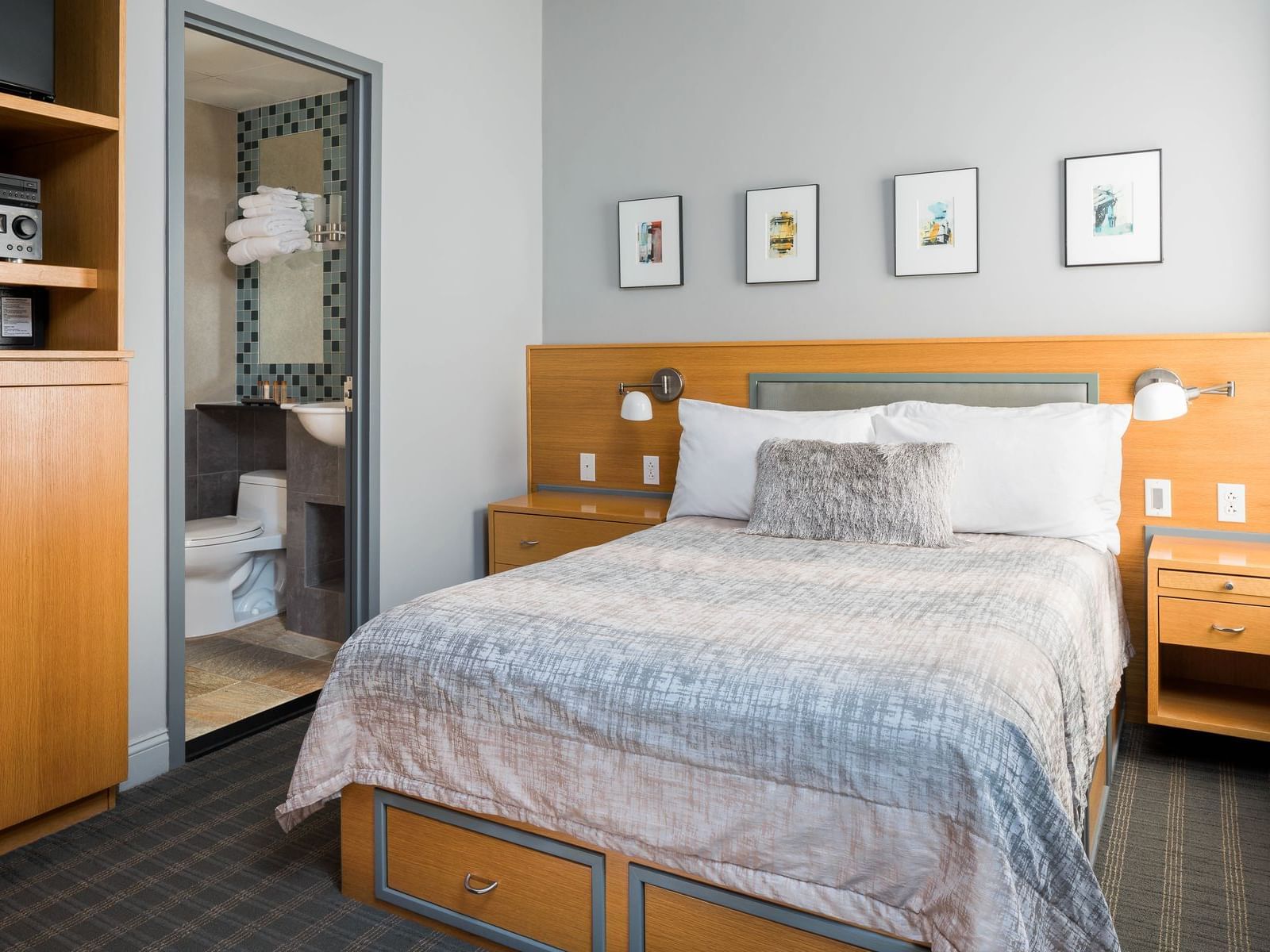
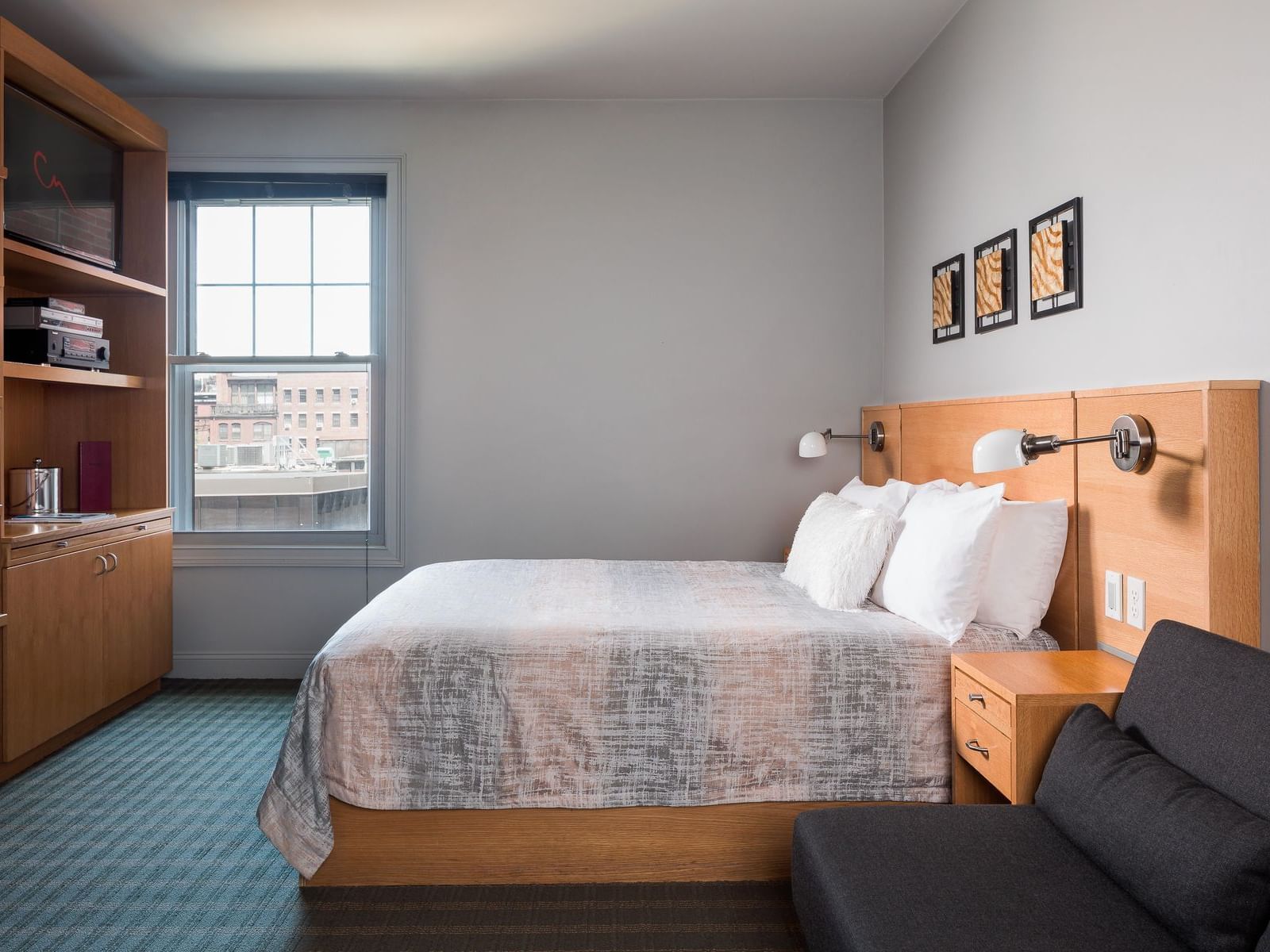
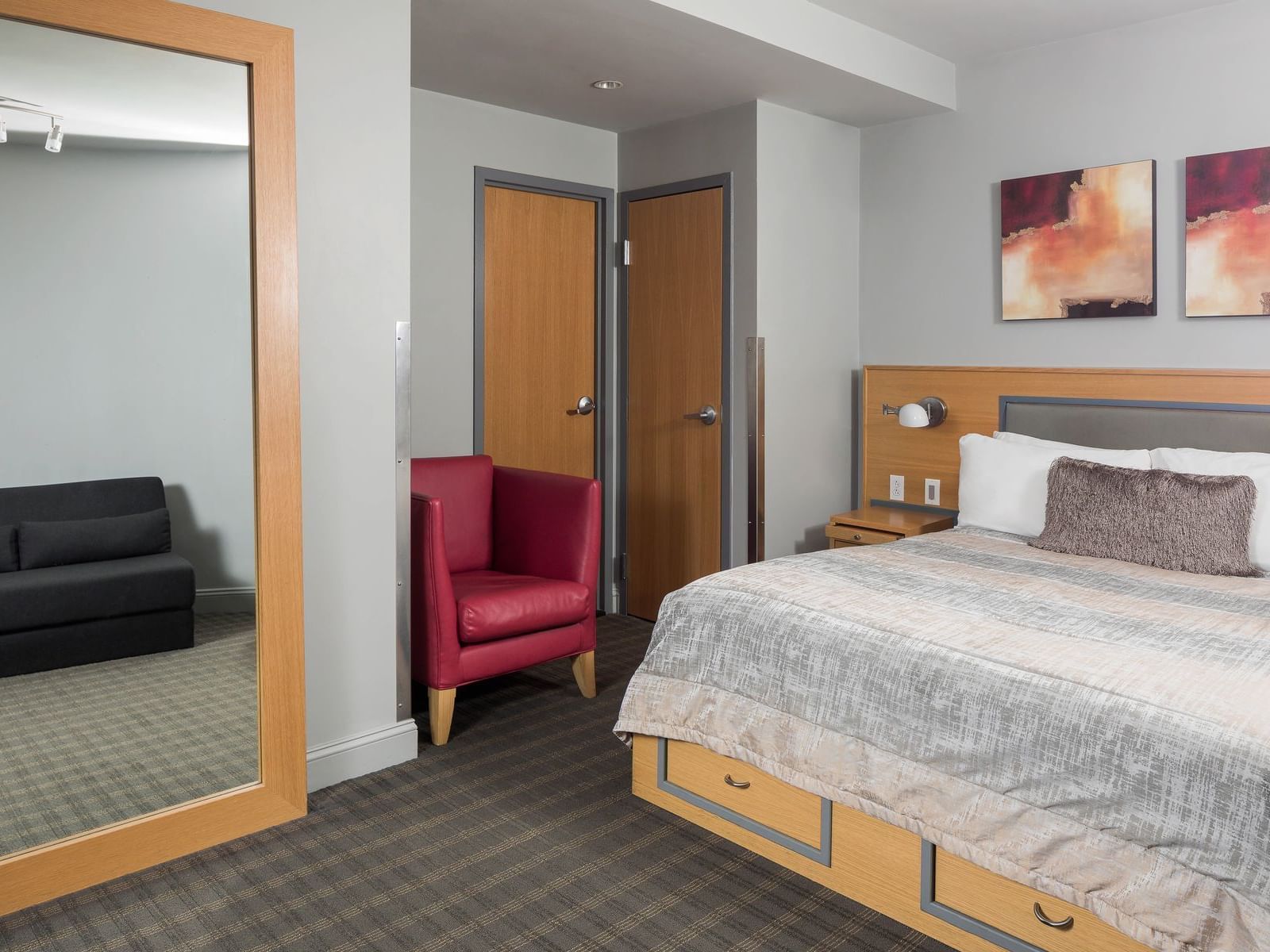
Queen Cabin (No Windows)
Like a cruise ship, these rooms have no exterior view, however, they are our largest and most quiet, secluded rooms. With 260- to 325-square-feet the room features one queen bed, a small couch, a desk writing surface, a fullsize closet and a bathroom with shower with a bathtub.
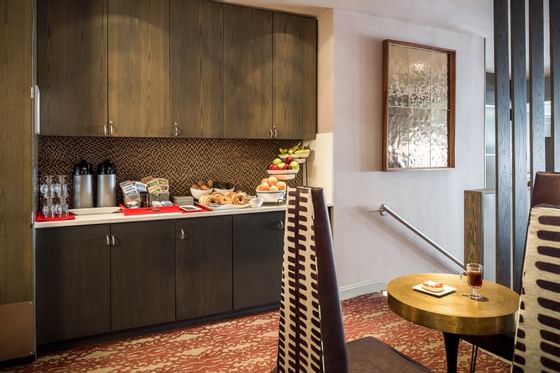
Free Coffee & Pastry
LANDWER CAFE DISCOUNTS
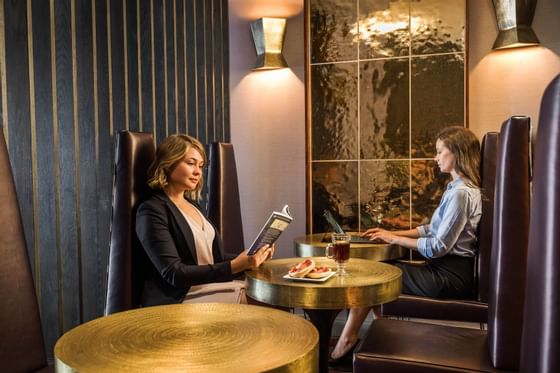
Free Wi-Fi
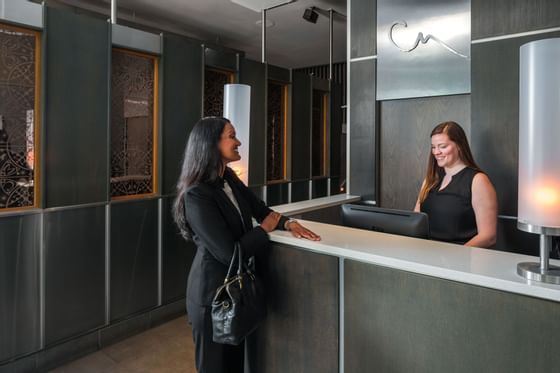
Personalized Service
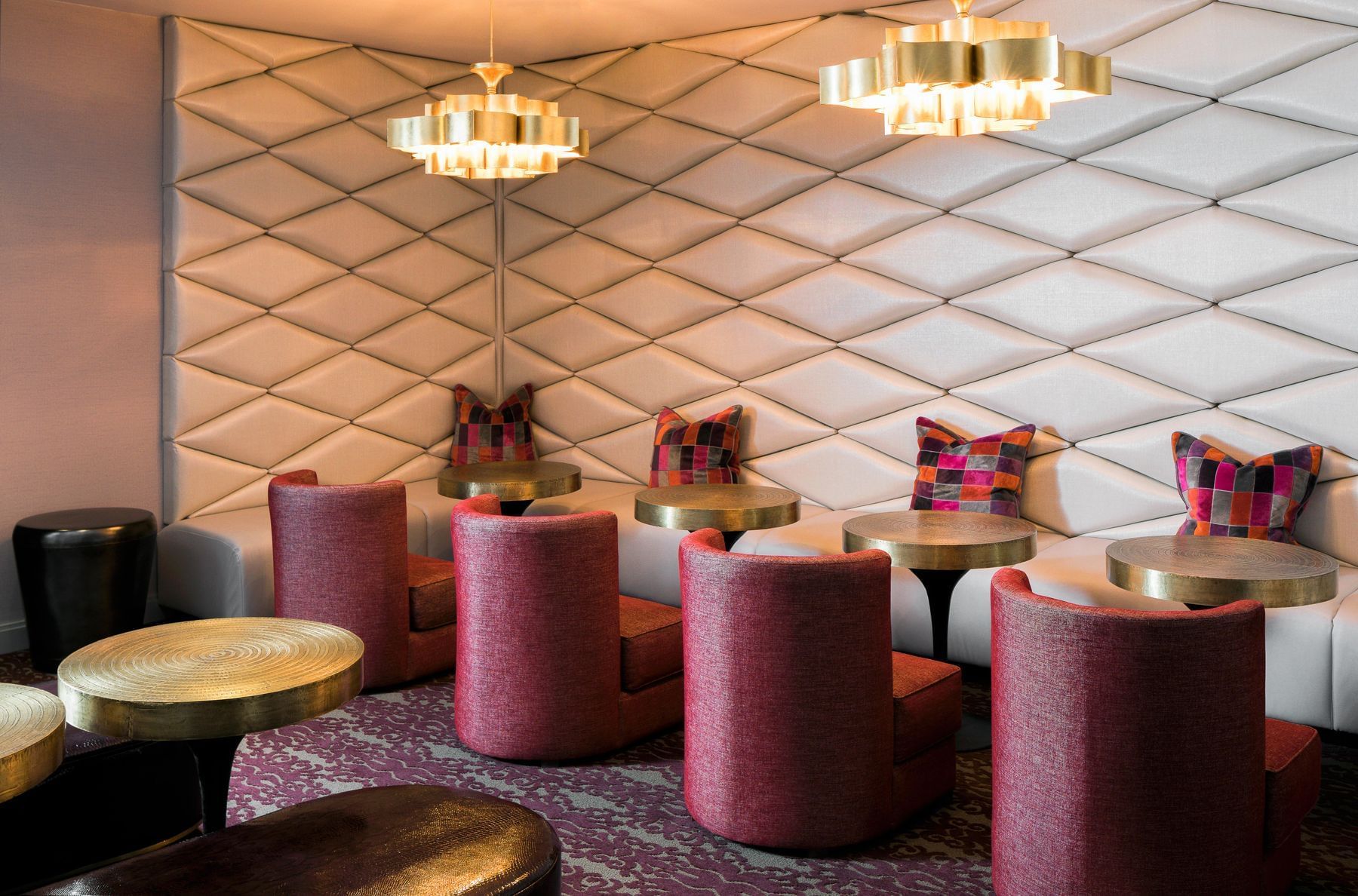
A Day In The Life At Charlesmark
Learn more about the Charlesmark Experience by checking out the images in our photo gallery.
Located in Boston’s Back Bay, steps from the exclusive shops, restaurants, salons, and galleries on Newbury Street, the Charlesmark Hotel is a 40-room boutique hotel featuring a hip cocktail lounge and outdoor patio. Here, we combine a premier downtown location, exceptional value and European-style ambiance to create a memorable guest experience.